Managing business finances has never been more important—or more challenging. Whether you’re a freelancer sending your first invoice, a startup tracking investor funds, or an established business managing payroll, taxes, inventory, and cash flow, choosing the right accounting software can save hundreds of hours every year.
One name that consistently appears among the best cloud accounting platforms is Xero.
Since its launch in 2006, Xero has grown into one of the world’s leading cloud-based accounting solutions, serving millions of subscribers across more than 180 countries. Its intuitive interface, extensive third-party integrations, and powerful automation tools have made it a favorite among entrepreneurs, accountants, bookkeepers, and growing businesses.
But with strong competitors like QuickBooks Online, FreshBooks, Zoho Books, Sage Accounting, and Wave continuing to evolve, many business owners are asking:
Is Xero still worth using in 2026?
After evaluating its latest features, pricing structure, automation capabilities, integrations, ease of use, customer feedback, and overall value, we’ve created this comprehensive review to help you decide whether Xero is the right accounting software for your business.
What Is Xero Accounting?
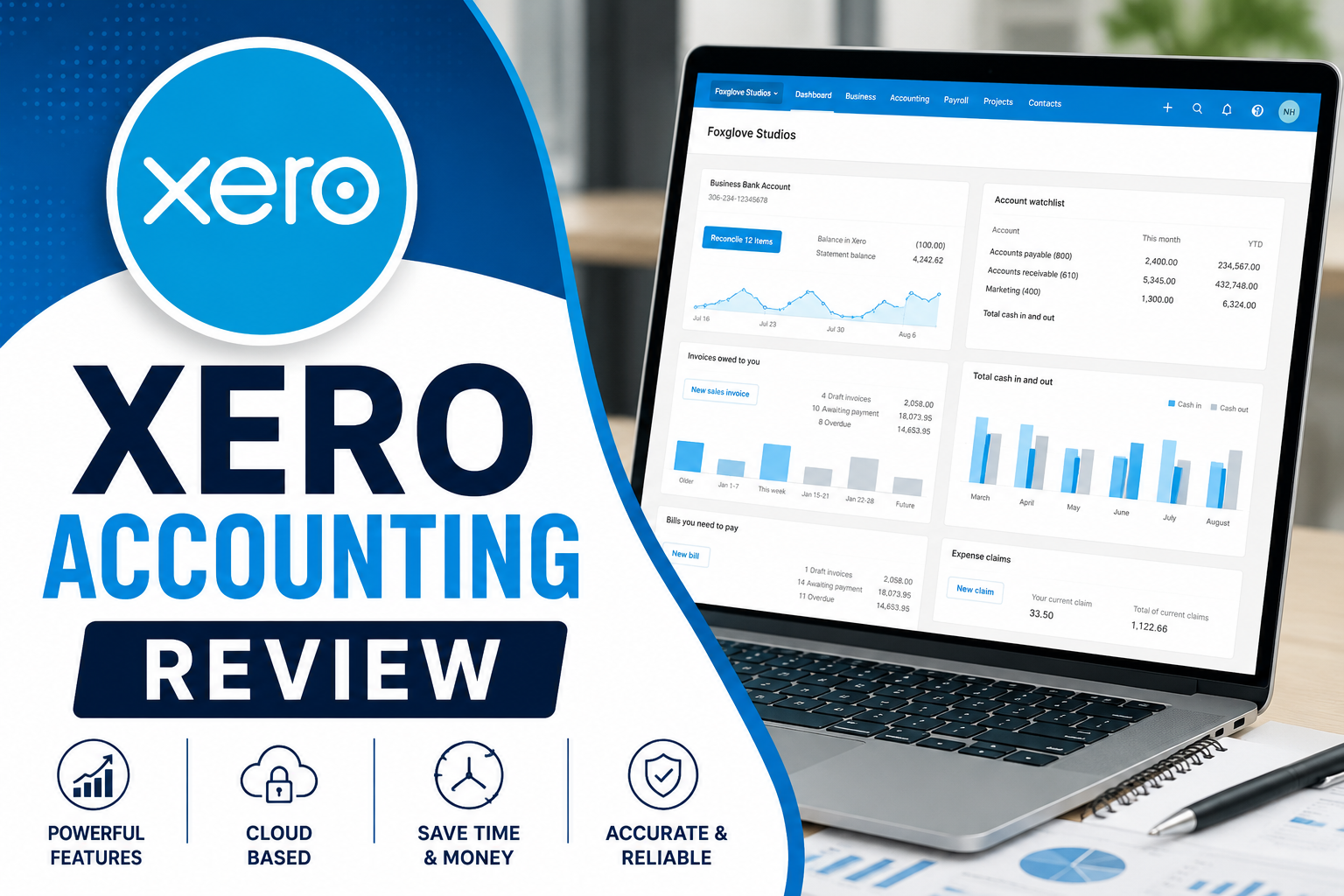
Xero is a cloud-based accounting platform designed to help businesses manage their finances from anywhere with an internet connection.
Unlike traditional desktop accounting software that stores data on a single computer, Xero securely stores financial data in the cloud. This means business owners, accountants, and employees can collaborate in real time without constantly exchanging files.
The software covers virtually every aspect of business accounting, including:
- Bookkeeping
- Expense tracking
- Bank reconciliation
- Invoicing
- Accounts payable
- Accounts receivable
- Inventory management
- Financial reporting
- Payroll (available in selected countries or via integrations)
- Tax preparation
- Cash flow forecasting
Because everything updates automatically, business owners can access current financial information instead of relying on outdated spreadsheets.
One reason accountants frequently recommend Xero is that multiple users can work on the same books simultaneously without creating duplicate copies or version conflicts.
Who Is Xero Best For?
Although Xero markets itself toward small businesses, its flexibility makes it suitable for organizations of many sizes.
Xero is particularly well suited for:
- Small businesses
- Medium-sized businesses
- Freelancers
- Consultants
- Marketing agencies
- IT companies
- Ecommerce stores
- Construction businesses
- Nonprofit organizations
- Professional service firms
- Accountants and bookkeepers
- Creative agencies
- Import/export businesses
- Growing startups
If your business needs advanced enterprise resource planning (ERP), highly customized workflows, or complex multinational accounting at very large scale, a platform like NetSuite or Microsoft Dynamics may be more appropriate.
For the majority of small and growing businesses, however, Xero provides an excellent balance between functionality and simplicity.
Xero’s Key Features
One of Xero’s biggest strengths is the depth of its feature set. Rather than requiring multiple separate tools, Xero centralizes many accounting processes into one platform.
Let’s examine its most valuable capabilities.
1. Smart Online Invoicing
Creating professional invoices takes only a few minutes.
Users can:
- Customize invoice templates
- Add company logos
- Include payment terms
- Send invoices by email
- Schedule recurring invoices
- Set automatic reminders
- Accept online payments
- Track invoice status
One feature users consistently praise is being able to see when customers have viewed invoices. This provides valuable insight before following up on overdue payments.
Recurring billing is particularly useful for agencies, consultants, software companies, and subscription businesses.
2. Automated Bank Reconciliation
Bank reconciliation is often considered one of the most time-consuming accounting tasks.
Xero dramatically simplifies this process.
After securely connecting your business bank account, transactions automatically flow into Xero each day.
The software intelligently suggests transaction matches using machine learning, allowing many reconciliations to be completed with just a click.
Instead of manually comparing bank statements against accounting records line by line, business owners spend only minutes reviewing suggested matches.
For businesses with hundreds of monthly transactions, this automation can save many hours every month.
3. Expense Management
Keeping track of business expenses is essential for profitability and tax compliance.
Xero enables users to:
- Upload receipts
- Categorize expenses
- Reimburse employees
- Match receipts to bank transactions
- Track spending by category
- Capture receipts using the mobile app
Rather than storing paper receipts in folders, users can simply photograph receipts using their smartphone.
The information becomes searchable and organized automatically.
4. Inventory Tracking
Businesses selling physical products benefit from Xero’s built-in inventory management.
Features include:
- Product catalog
- SKU tracking
- Inventory quantities
- Purchase costs
- Sales history
- Profit margins
While it may not replace enterprise inventory systems for large warehouses, it performs well for many retailers and ecommerce businesses.
5. Financial Reporting
Xero offers more than 50 built-in reports.
Popular reports include:
- Profit & Loss
- Balance Sheet
- Cash Flow Statement
- Trial Balance
- General Ledger
- Budget Reports
- Accounts Receivable Aging
- Accounts Payable Aging
- Sales Reports
- Expense Reports
Reports update automatically using live financial data, allowing business owners to monitor performance without waiting until month-end.
Custom reports can also be saved for recurring use.
6. Multi-Currency Support
For international businesses, Xero’s higher-tier plans include automatic currency conversion.
Businesses can:
- Invoice international clients
- Pay overseas suppliers
- Track foreign exchange gains and losses
- View balances in multiple currencies
This feature is especially valuable for remote companies and global service providers.
7. Mobile App
The Xero mobile app allows users to manage finances while away from the office.
Using the app, business owners can:
- Send invoices
- Approve bills
- Upload receipts
- View bank balances
- Reconcile transactions
- Contact customers
For entrepreneurs constantly traveling or meeting clients, having access to financial information from a smartphone can be incredibly convenient.
Xero Pricing (2026)
Xero offers multiple subscription plans designed for businesses at different stages of growth. While pricing may vary slightly by country and promotions, the structure generally includes three core tiers:
Starter
Best for:
- Sole proprietors
- Freelancers
- Very small businesses
Includes:
- Bank reconciliation
- Invoice creation
- Bill management
- Receipt capture
- Basic reporting
This plan works well for businesses with relatively straightforward accounting needs.
Standard
Ideal for:
- Growing businesses
- Agencies
- Retail stores
- Service providers
Additional features include:
- Unlimited invoices
- Bill payments
- Bulk reconciliation
- Short-term cash flow insights
- Enhanced reporting
For many small businesses, this plan offers the best balance between functionality and affordability.
Premium
Designed for:
- Businesses operating internationally
- Companies dealing with multiple currencies
Adds:
- Multi-currency accounting
- Advanced international capabilities
- More sophisticated financial management
Businesses with overseas customers or suppliers often find the Premium plan worthwhile because it reduces manual currency calculations.
Before subscribing, it’s worth reviewing Xero’s current pricing in your country, as taxes, regional offerings, and promotional discounts can affect the final cost. Sign Up for Xero to get 90% off discount for 6 months