Project management software has become the backbone of modern businesses. Whether you’re managing a remote team, tracking client projects, launching marketing campaigns, or coordinating software development, choosing the right platform can dramatically improve productivity.
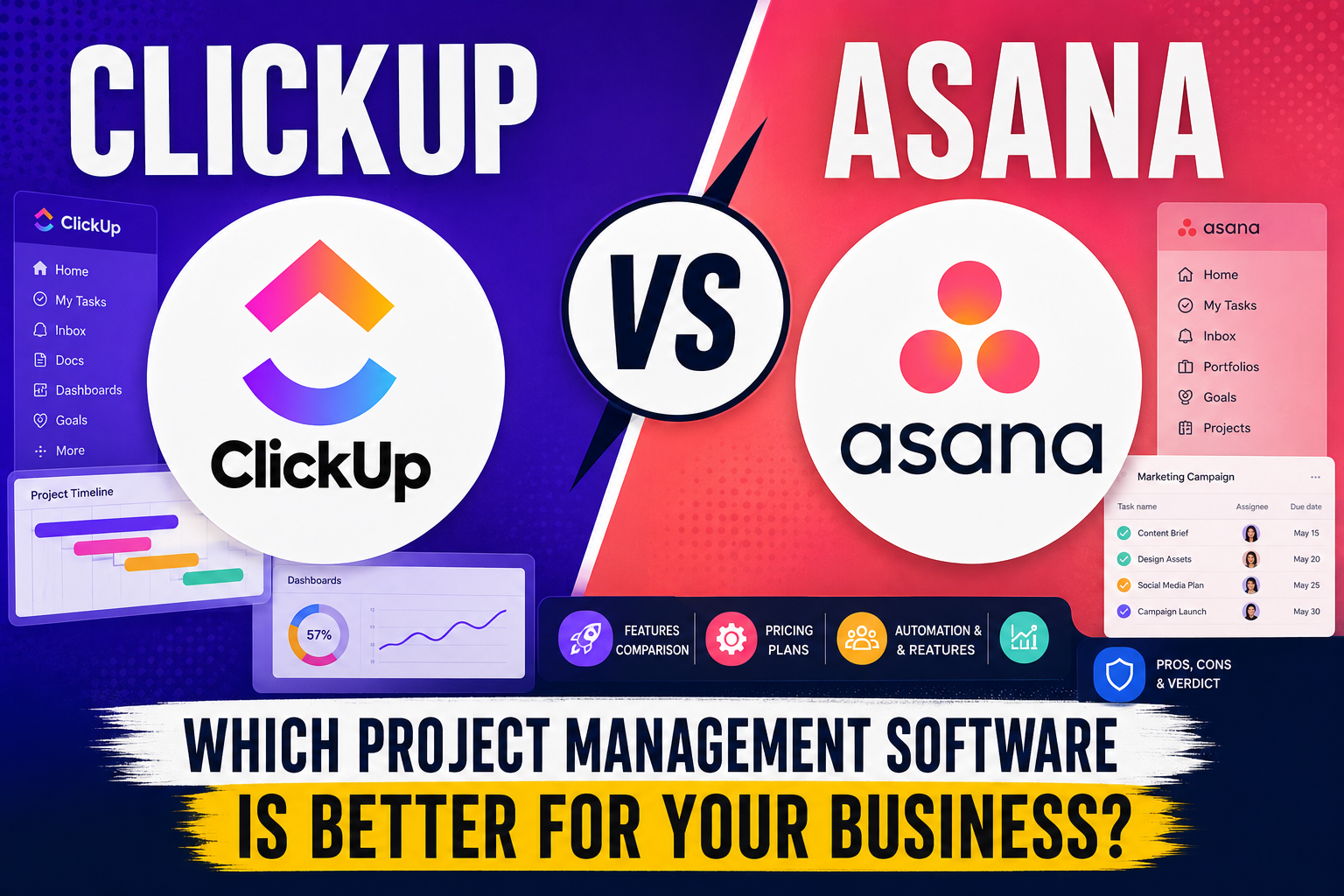
Among the many project management tools available today, ClickUp and Asana consistently rank among the best. Both are powerful cloud-based platforms trusted by businesses of all sizes, yet they take different approaches to organizing work.
I once worked with a small digital agency that started using Asana because of its clean interface and straightforward task management. As the agency grew, the team found themselves relying on multiple additional tools for documentation, goal tracking, time tracking, and dashboards. Eventually, they migrated to ClickUp to consolidate everything into one platform. On the other hand, a marketing department I collaborated with preferred Asana because new team members could get up to speed quickly without extensive training.
These experiences highlight an important lesson: there isn’t a universal winner. The best choice depends on your team’s workflow, complexity, and long-term goals.
In this comparison, we’ll examine ClickUp and Asana across features, pricing, ease of use, automation, AI, integrations, collaboration, reporting, security, and more to help you make an informed decision.
ClickUp vs Asana: Quick Verdict
If you’re looking for a quick answer before diving into the details, here’s our recommendation.
Choose ClickUp if you:
- Want an all-in-one productivity platform
- Need highly customizable workflows
- Prefer built-in Docs, Whiteboards, Goals, and Time Tracking
- Manage complex projects
- Need advanced automation
- Want maximum value from your subscription
Choose Asana if you:
- Prefer a clean and intuitive interface
- Need a platform that’s easy to learn
- Manage marketing or creative projects
- Want quick onboarding for your team
- Prefer simplicity over customization
Our Recommendation
Overall, ClickUp offers more functionality and flexibility, making it an excellent choice for growing businesses and teams that want to centralize their work.
However, Asana remains one of the easiest project management tools to use, making it ideal for organizations that prioritize simplicity and fast adoption.
Overall Winner: ClickUp 
ClickUp vs Asana at a Glance
| Feature | ClickUp | Asana |
|---|---|---|
| Best For | Growing businesses | Marketing & creative teams |
| Free Plan |  Yes Yes | Yes |
| Task Management | | |
| Project Views | | ☆ |
| AI Features | | ☆ |
| Automation | | ☆ |
| Time Tracking | Built-in | Limited |
| Whiteboards | Yes |  No No |
| Docs | Built-in | Basic |
| Integrations | 1,000+ | 300+ |
| Mobile Apps | iOS & Android | iOS & Android |
| Overall Rating | 4.9/5 | 4.7/5 |
Key Differences
| ClickUp | Asana |
|---|---|
| Highly customizable | Simpler workflow |
| Built-in Docs | Limited documentation |
| Built-in Whiteboards | No native whiteboards |
| Built-in Time Tracking | Premium feature |
| More project views | Fewer project views |
| More automation options | Easier to learn |
What is ClickUp?
ClickUp is an all-in-one productivity and project management platform designed to replace multiple workplace tools. Instead of juggling separate apps for task management, documentation, chat, whiteboards, goals, and reporting, ClickUp combines these features into a single workspace.
Since its launch in 2017, ClickUp has become one of the fastest-growing productivity platforms, serving startups, enterprises, agencies, software teams, and freelancers worldwide.
Its biggest strength lies in customization. Teams can tailor nearly every aspect of their workspace—from statuses and dashboards to workflows and automations—making it suitable for a wide variety of industries.
Key Features
- Task Management
- Custom Fields
- Multiple Project Views
- Whiteboards
- Docs & Wikis
- Time Tracking
- Dashboards
- Goals
- Mind Maps
- AI Assistant
- Workflow Automation
- Sprint Management
Pros
Extremely customizable
Feature-rich
Powerful free plan
Excellent automation
Built-in documentation
Strong reporting
Cons
Can feel overwhelming for beginners
Initial setup takes time
Some advanced features require higher-tier plans
Best For
- Startups
- Agencies
- Software Development Teams
- Consultants
- Product Teams
- Remote Teams
- Growing Businesses
Our Rating: 4.9/5
What is Asana?
Asana is one of the most established project management platforms available today. Founded in 2008 by Facebook co-founder Dustin Moskovitz and engineer Justin Rosenstein, Asana focuses on helping teams organize work, manage tasks, and collaborate efficiently.
Unlike ClickUp, Asana emphasizes simplicity and ease of use. Its clean interface allows teams to begin managing projects with minimal setup, making it a popular choice among marketing teams, creative agencies, HR departments, and business operations teams.
Asana’s workflow is intuitive, allowing users to create projects, assign tasks, set due dates, track progress, and collaborate without feeling overwhelmed.
Key Features
- Task Management
- Timeline View
- Calendar View
- Boards
- Workflow Builder
- Goals
- Reporting
- Team Collaboration
- AI Features
- Mobile Apps
Pros
Very easy to use
Excellent collaboration
Beautiful interface
Fast onboarding
Strong mobile experience
Cons
Fewer customization options
Limited built-in productivity tools
Time tracking requires integrations
Best For
- Marketing Teams
- Creative Agencies
- HR Teams
- Business Operations
- Small Businesses
- Nonprofits
Our Rating: 4.7/5
Features Comparison
Choosing between ClickUp and Asana often comes down to the features your team relies on every day. While both platforms cover the fundamentals of project management, ClickUp goes a step further by offering a more comprehensive productivity suite.
| Feature | ClickUp | Asana | Winner |
|---|---|---|---|
| Task Management | | | Tie |
| List View | | | Tie |
| Board View | | | Tie |
| Calendar View | | | Tie |
| Gantt Charts | | | Tie |
| Whiteboards | | | ClickUp |
| Docs | | Limited | ClickUp |
| Dashboards | | ☆ | ClickUp |
| Goals | | | Tie |
| AI Assistant | | ☆ | ClickUp |
| Time Tracking | Built-in | Limited | ClickUp |
Winner:  ClickUp
Ease of Use
Ease of use can have a significant impact on how quickly your team adopts a new project management platform.
ClickUp
ClickUp offers an impressive range of features, but that flexibility comes with a learning curve. New users may feel overwhelmed by the number of customization options, views, and settings available. However, once your workspace is configured, ClickUp becomes a highly efficient tool that can adapt to almost any workflow.
Asana
Asana is often praised for its clean, intuitive interface. Tasks are easy to create, projects are straightforward to organize, and team members can begin collaborating with minimal training. This simplicity makes Asana an excellent choice for teams that value quick adoption and ease of use over extensive customization.
Winner: Asana
Pricing Comparison
Both ClickUp and Asana offer free plans, making them accessible for individuals and small teams. As businesses grow, each platform provides paid plans with additional features such as advanced reporting, automation, AI capabilities, and enhanced security.
| Plan | ClickUp | Asana |
|---|---|---|
| Free Plan | | |
| Entry-Level Paid Plan | | |
| Business Plan | | |
| Enterprise Plan | | |
Value for Money: ClickUp generally offers more features in its lower-tier plans, making it a stronger value proposition for teams seeking an all-in-one solution.
Frequently Asked Questions
Is ClickUp better than Asana?
ClickUp is better for teams that need extensive customization, built-in productivity tools, and advanced automation. Asana is better for teams that prioritize simplicity, ease of use, and fast onboarding.
Which is easier to use, ClickUp or Asana?
Asana is generally easier for beginners due to its cleaner interface and simpler workflows.
Which is better for small businesses?
Both are excellent options, but ClickUp provides more value through its generous free plan and built-in features, while Asana is ideal for smaller teams seeking simplicity.
Does ClickUp have better AI features?
Yes. ClickUp’s AI capabilities extend across writing assistance, task summaries, content generation, and workflow support, giving it an edge for teams looking to boost productivity with AI.
Can I migrate from Asana to ClickUp?
Yes. ClickUp offers import tools that make it easy to migrate projects, tasks, and team data from Asana with minimal disruption.
Final Verdict
Both ClickUp and Asana are exceptional project management platforms, but they cater to different types of users.
If your team values flexibility, advanced features, and the ability to manage projects, documentation, goals, automation, and collaboration in one place, ClickUp is the stronger choice. Its all-in-one approach makes it especially appealing to startups, software teams, agencies, and growing businesses looking to reduce tool sprawl.
If you prefer a platform that’s intuitive from day one, easy to onboard, and ideal for straightforward task and project management, Asana is an excellent option. It’s particularly well-suited for marketing, creative, and operations teams that prioritize usability and streamlined collaboration.
Our Recommendation
| Choose ClickUp if… | Choose Asana if… |
|---|---|
| You need advanced customization. | You want a simple, intuitive interface. |
| You rely on automation and AI. | You need fast team onboarding. |
| You want built-in docs and whiteboards. | You manage marketing or creative projects. |
| You need time tracking and dashboards. | You prefer structured, straightforward workflows. |
| You want an all-in-one productivity platform. | You value ease of use over extensive features. |
At TruSoftReviews, our recommendation is ClickUp for most growing businesses because of its feature depth, flexibility, and overall value. However, the best project management software is the one that aligns with your team’s workflows, budget, and long-term goals. Take advantage of each platform’s free plan or trial to experience them firsthand before making your decision.
Find. Compare. Choose Smarter.