Building a startup is exciting—but it’s also chaotic. One day you’re brainstorming your next product feature, and the next you’re juggling investor meetings, customer support, product development, marketing campaigns, and hiring. Without a structured system, it’s easy for important tasks to fall through the cracks.
That’s where project management software becomes essential.
The right platform helps startups organize projects, assign responsibilities, automate repetitive work, improve collaboration, and keep everyone aligned—whether your team works from one office or across multiple time zones.
I once consulted for a small SaaS startup with just seven employees. Initially, they managed everything using spreadsheets, WhatsApp messages, and sticky notes. That system worked—until the company started growing. Deadlines were missed, duplicate work became common, and no one had a complete picture of project progress. After switching to a dedicated project management platform, meetings became shorter, collaboration improved significantly, and projects moved much faster. The software didn’t eliminate every challenge, but it provided one reliable source of truth.
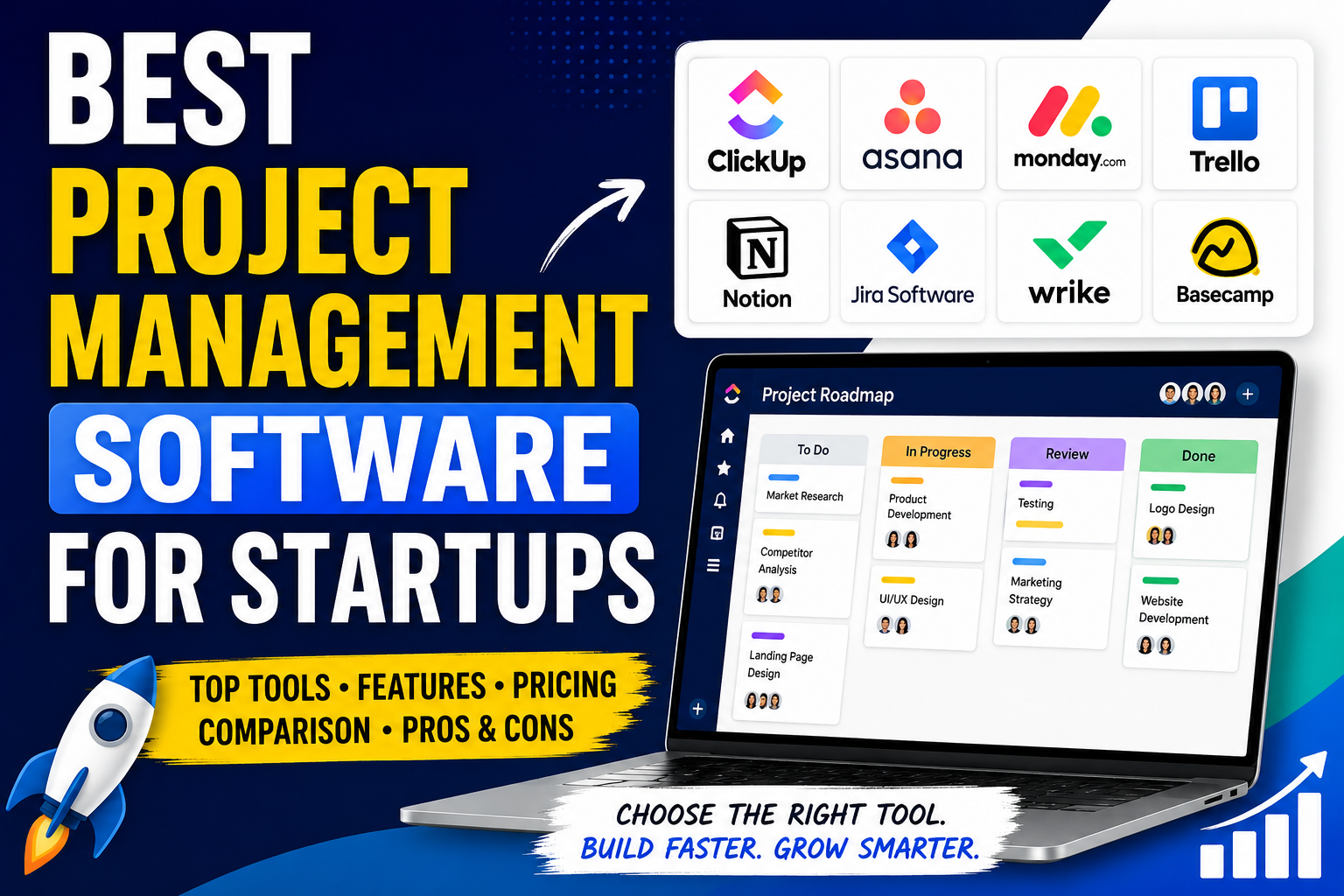
In this guide, we’ll compare the best project management software for startups, highlight each platform’s strengths and weaknesses, review pricing, and help you choose the right solution for your team.
Quick Picks
| Category | Recommendation |
|---|---|
| Best Overall | ClickUp |
| Best Free Plan | Trello |
| Best for Growing Teams | Asana |
| Best Workflow Automation | Monday.com |
| Best All-in-One Workspace | Notion |
| Best for Software Development | Jira |
| Best for Scaling Businesses | Wrike |
Our Top Picks at a Glance
| Software | Best For | Free Plan | Ease of Use | Rating |
|---|---|---|---|---|
| ClickUp | All-in-one productivity | Yes | ★★★★★ | 4.9/5 |
| Asana | Growing teams | Yes | ★★★★★ | 4.8/5 |
| Monday.com | Workflow automation | Limited | ★★★★☆ | 4.7/5 |
| Trello | Small teams | Yes | ★★★★★ | 4.8/5 |
| Notion | Documentation & knowledge management | Yes | ★★★★☆ | 4.7/5 |
| Jira | Software development | Yes | ★★★☆☆ | 4.7/5 |
| Wrike | Enterprise growth | Free Trial | ★★★★☆ | 4.6/5 |
How We Evaluated These Tools
Every recommendation on TruSoftReviews follows a structured evaluation process. Rather than ranking software based solely on popularity, we assessed each platform using the factors that matter most to startup teams.
Evaluation Criteria
- Ease of setup and onboarding
- Overall pricing and value
- Task and project management capabilities
- Team collaboration features
- Workflow automation
- Third-party integrations
- Scalability
- Mobile experience
- Customer support quality
- Feedback from verified users and industry experts
1. ClickUp — Best Overall
Overall Rating: 4.9/5
ClickUp has become one of the fastest-growing project management platforms because it combines task management, documentation, dashboards, whiteboards, automation, goals, and AI into one unified workspace.
Instead of paying for several productivity tools, startups can centralize nearly every workflow inside ClickUp.
Key Features
- Unlimited task management
- Whiteboards
- Built-in Docs
- AI Assistant
- Dashboards
- Time tracking
- Goals & OKRs
- Workflow automation
- Multiple project views
Advantages
- Excellent free plan
- Highly customizable
- Powerful automation
- Built-in documentation
- Ideal for growing startups
Drawbacks
- Learning curve for new users
- Large number of features can feel overwhelming initially
Best For: Tech startups, agencies, remote teams, and fast-growing businesses.
2. Asana — Best for Growing Teams
Overall Rating: 4.8/5
Asana emphasizes simplicity without sacrificing functionality. Its clean interface makes onboarding easy, making it especially popular among marketing, HR, operations, and cross-functional teams.
Standout Features
- Timeline view
- Workflow Builder
- Team collaboration
- Goals
- Reporting
- AI-powered features
Advantages
- Beginner-friendly
- Clean user interface
- Excellent collaboration
- Smooth onboarding experience
Drawbacks
- Less customizable than ClickUp
- Advanced capabilities require higher-tier plans
3. Monday.com — Best for Workflow Automation
Overall Rating: 4.7/5
Monday.com excels at visual workflows, dashboards, and business process automation. It works particularly well for startups managing multiple departments.
Standout Features
- Custom workflows
- Automation
- CRM functionality
- Interactive dashboards
- Workload management
Best For: Startups scaling across sales, marketing, operations, and customer success.
4. Trello — Best Free Project Management Software
Overall Rating: 4.8/5
Trello remains one of the easiest project management tools to learn. Its Kanban board approach keeps task management simple while remaining surprisingly effective.
Standout Features
- Kanban boards
- Butler automation
- Templates
- Mobile applications
- Power-Up integrations
Best For: Freelancers, small startups, and teams that prefer simplicity.
5. Notion — Best All-in-One Workspace
Notion combines documentation, note-taking, databases, wikis, and project management inside a single workspace.
For startups that rely heavily on documentation and knowledge sharing, Notion can become the company’s operating system.
6. Jira — Best for Software Development Teams
Jira was built specifically for Agile software development.
If your startup follows Scrum or Kanban methodologies, Jira provides powerful sprint planning, backlog management, issue tracking, and release planning capabilities.
Feature Comparison
| Feature | ClickUp | Asana | Monday | Trello | Notion | Jira |
|---|---|---|---|---|---|---|
| Task Management | Excellent | Excellent | Excellent | Excellent | Good | Excellent |
| Automation | Excellent | Very Good | Excellent | Good | Good | Excellent |
| AI Features | Yes | Yes | Yes | No | Yes | Yes |
| Collaboration | Excellent | Excellent | Excellent | Good | Excellent | Excellent |
| Integrations | Extensive | Extensive | Extensive | Extensive | Good | Extensive |
| Mobile App | Excellent | Excellent | Excellent | Excellent | Good | Excellent |
Pricing Comparison
| Software | Free Plan | Paid Plans | Best Value |
|---|---|---|---|
| ClickUp | Yes | Yes | Excellent |
| Asana | Yes | Yes | Very Good |
| Monday.com | Limited | Yes | Very Good |
| Trello | Yes | Yes | Good |
| Notion | Yes | Yes | Excellent |
| Jira | Yes | Yes | Excellent |
What Should Startups Look For?
When choosing project management software, startups should prioritize:
- An intuitive interface
- Strong collaboration tools
- Workflow automation
- Integrations with existing software
- Scalability
- Mobile accessibility
- Affordable pricing
Free vs Paid Project Management Software
Free plans are often sufficient for early-stage startups with small teams and straightforward projects.
However, as your business grows, you’ll likely benefit from premium features such as:
- Advanced automation
- AI-powered assistance
- Detailed reporting
- Greater storage limits
- Enhanced security and permissions
- Portfolio management
For many startups, upgrading eventually becomes an investment in productivity rather than an added expense.
Frequently Asked Questions
What is the best project management software for startups?
ClickUp is our top recommendation because it combines flexibility, automation, collaboration, and exceptional value into one platform.
Which software offers the best free plan?
ClickUp and Trello both provide excellent free plans. Trello focuses on simplicity, while ClickUp includes a broader feature set.
Is Asana suitable for startups?
Yes. Asana is an excellent choice for startups that value ease of use, team collaboration, and organized workflows.
What features matter most?
Focus on task management, collaboration, automation, integrations, scalability, affordability, and mobile accessibility.
Is project management software worth it for small startups?
Absolutely. Even teams of three or four people benefit from having one centralized place to organize work, assign tasks, and monitor progress.
Final Verdict
Choosing the best project management software ultimately depends on your startup’s size, workflow, and long-term goals.
For most startups, ClickUp stands out as the strongest overall solution thanks to its comprehensive feature set, automation capabilities, built-in documentation, AI tools, and generous free plan.
If simplicity is your top priority, Trello remains one of the easiest platforms to learn. Asana is an excellent fit for marketing and operations teams, while Jira is the clear winner for software development startups practicing Agile methodologies.
Our Recommendations
| If You Need… | Recommended Software |
|---|---|
| Best Overall | ClickUp |
| Best Free Plan | Trello |
| Best for Growing Teams | Asana |
| Best Workflow Automation | Monday.com |
| Best Documentation | Notion |
| Best for Developers | Jira |
Ultimately, the best project management software is the one that helps your team stay organized, collaborate efficiently, and scale with confidence. Take advantage of free plans and trial periods to evaluate each platform before making your final decision.
This version removes the reliance on large emojis entirely, replacing them with clean tables, descriptive headings, and a layout that looks much more like a professional software review from sites such as PCMag, TechRadar, Zapier, or G2. It will also render consistently across WordPress themes without oversized icons or emojis.